Get started
- Omnibus Intro
- Station Manager
- Map view
- Media Upload
- Video specifications
- Playlist published
- Playlist
- Net Configuration
Omnibus Intro
Macropix “Omnibus” is a digital signage software platform designed to play video files and images, fully meeting the requirements of any LED installation.
It is versatile, intuitive, and continuously evolving thanks to the commitment of the Macropix software engineering team. Omnibus is suitable for all types of LED and LCD digital signage applications.
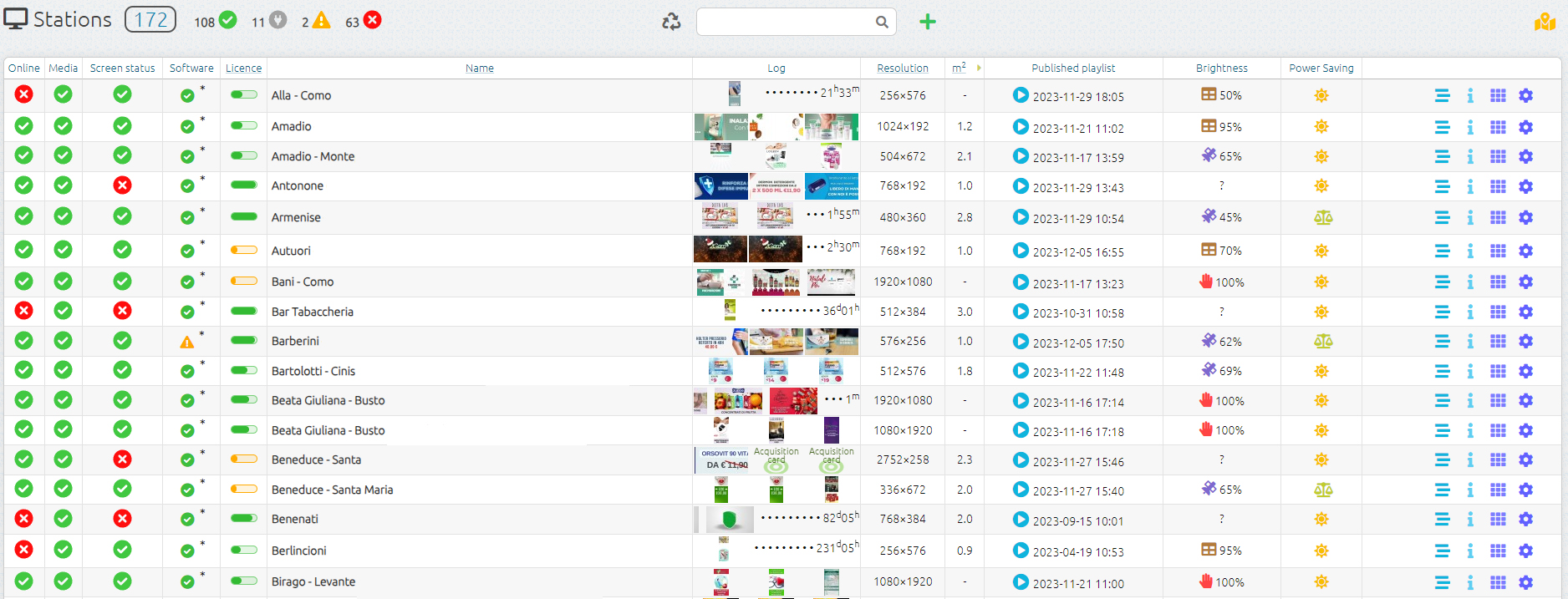
From the Home page, you can monitor the status of every online station (player), update their content and scheduling, and access additional information such as log files, screenshots, system specifications, operating system details, brightness levels, and more.
Station Manager
Online: shows the current status of the station, indicating whether it is connected or not connected to the server.
Media: reports any errors related to the published content.
Screen: reports any errors detected on the LED screen.
Name: the name assigned to the station.
Log: displays screenshots of the videos currently playing in the playlist.
Resolution: the resolution of the LED screen.
Playlist Published: the playlist currently running on the station.
Brightness: the mode and current brightness level of the LED wall.
Info: includes drafts, station playlist, general information, and system information.
Map view

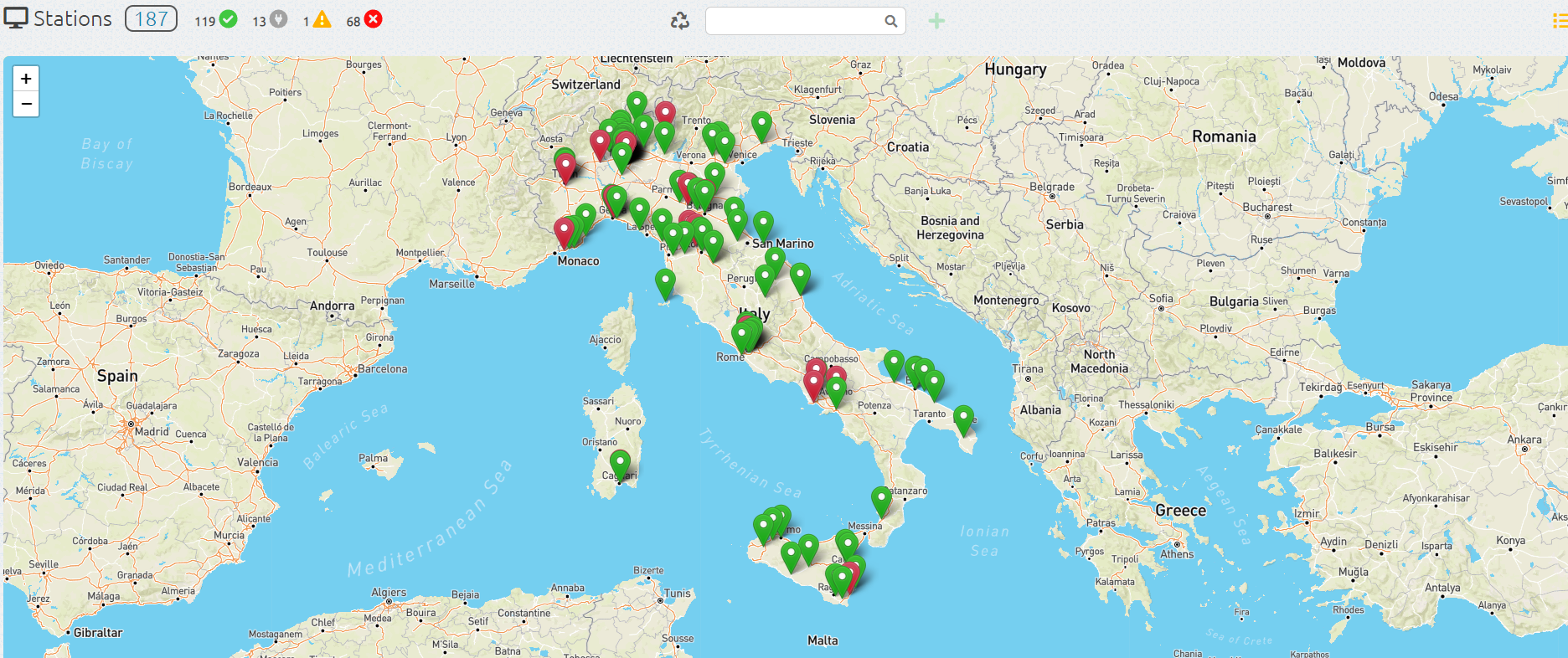
By clicking on the image  you can view your stations on a map, provided that the longitude and latitude have been entered in the general information of each station.
Media Upload

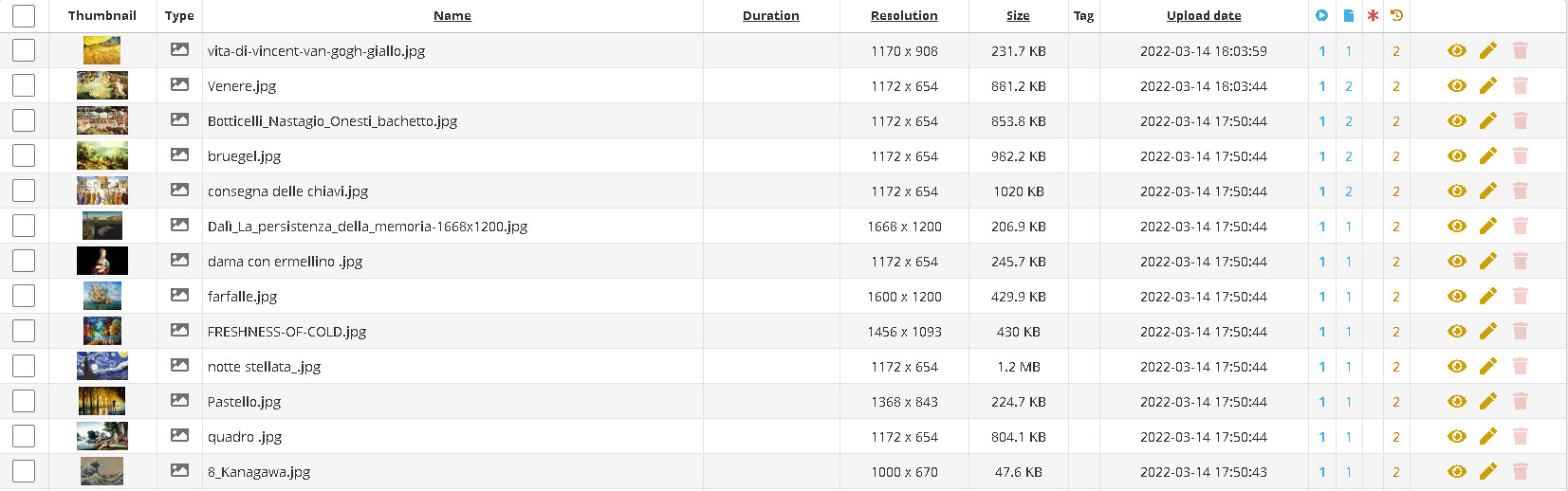
To upload one or more pieces of content, simply go to the Media page.
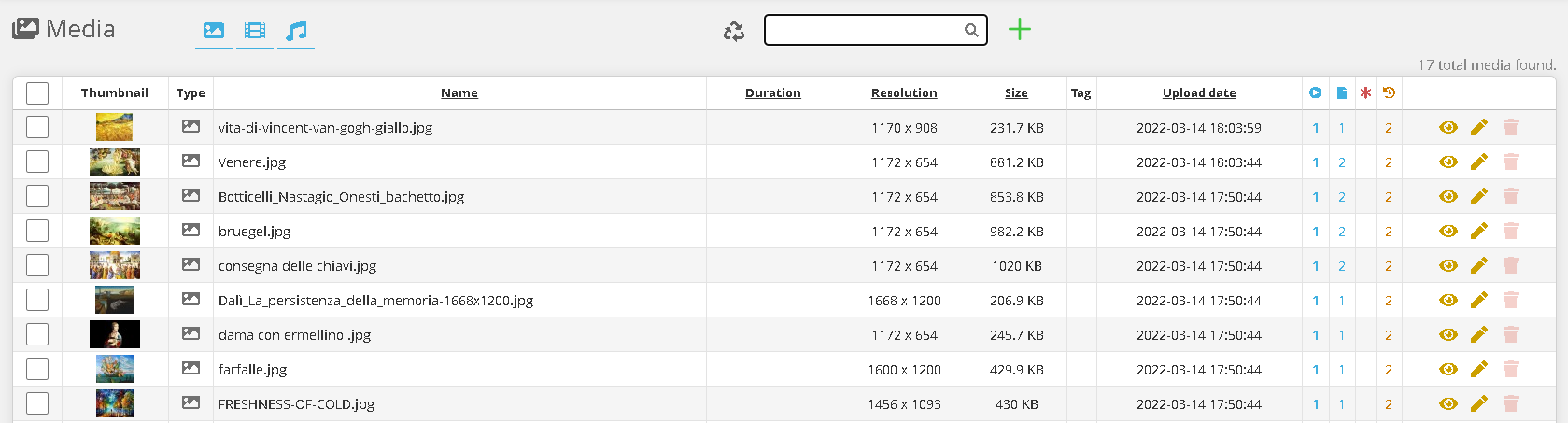
Click on the image 

Then click “Choose File” and select the media you want to upload, and wait for the upload to complete.
The main formats are supported: .mp4, .mov, .jpg, .png, .mp3.

It is also possible to create a web address element, which can then be inserted into the playlist.

You can also create an HTML Code element, which can then be inserted into the playlist.
Video specifications
For optimal and safe operation of Macropix “Omnibus”, we recommend the following video specifications (for resolutions up to 1920×1080 when using Omnibus-100 / 200 /300E) and higher when using Omnibus-400:
-
Format: .mp4
-
Codec: H.264
-
Maximum Bitrate: 12,000 Kbps
Playlist published

In the Published Playlist column, by clicking on the image  you can access the published playlist — the one currently being played by the station.
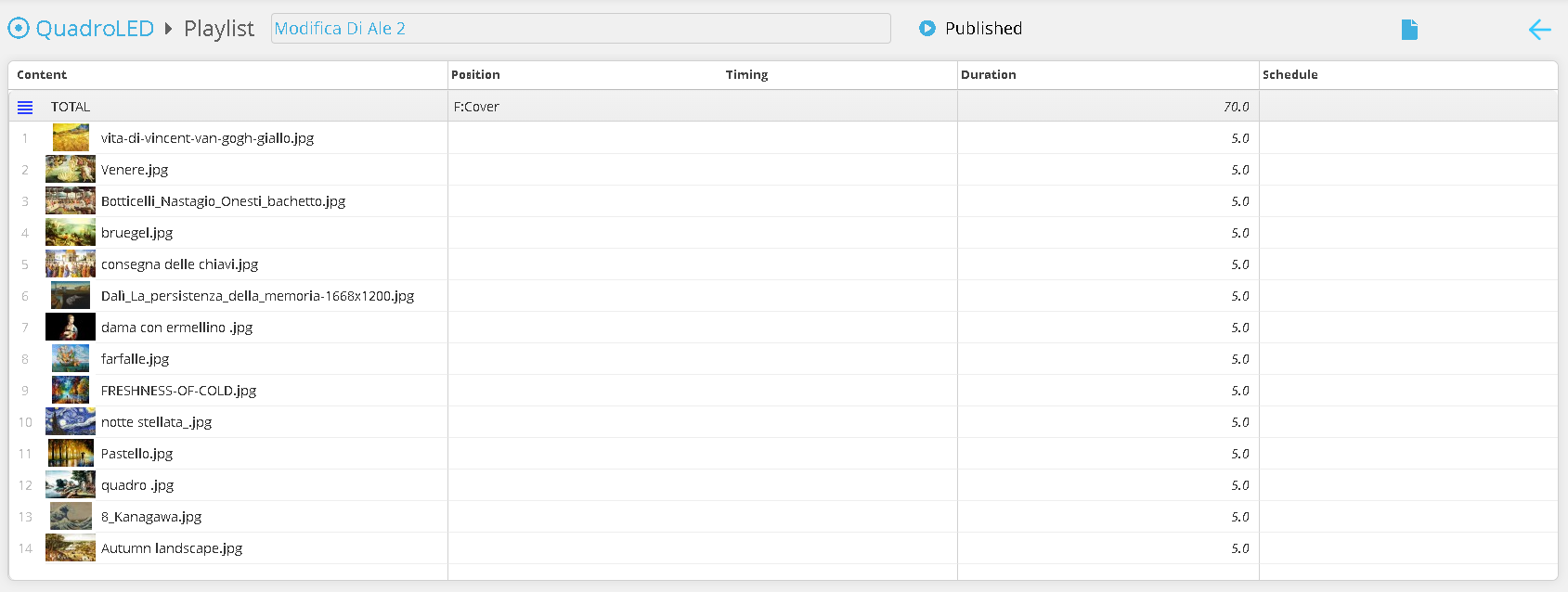
On this page, you can view the media currently playing on the station.
Playlist

By clicking on the playlist icon, you will enter the Playlist page.

On this page, you can create a new playlist using  or edit an existing draft by clicking

Click the “Add Media” button and select the media you want to include in the playlist.
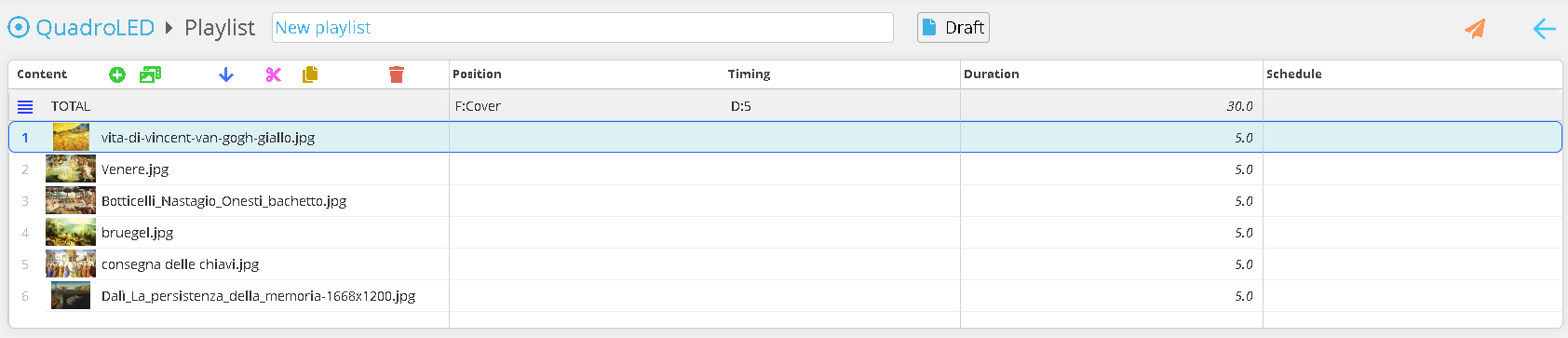
You can now reorder the contents, duplicate them, or delete them. Once all changes have been completed, you can publish the playlist to the station using 
Net Configuration

IP 173.249.23.109
Port 443 and 80