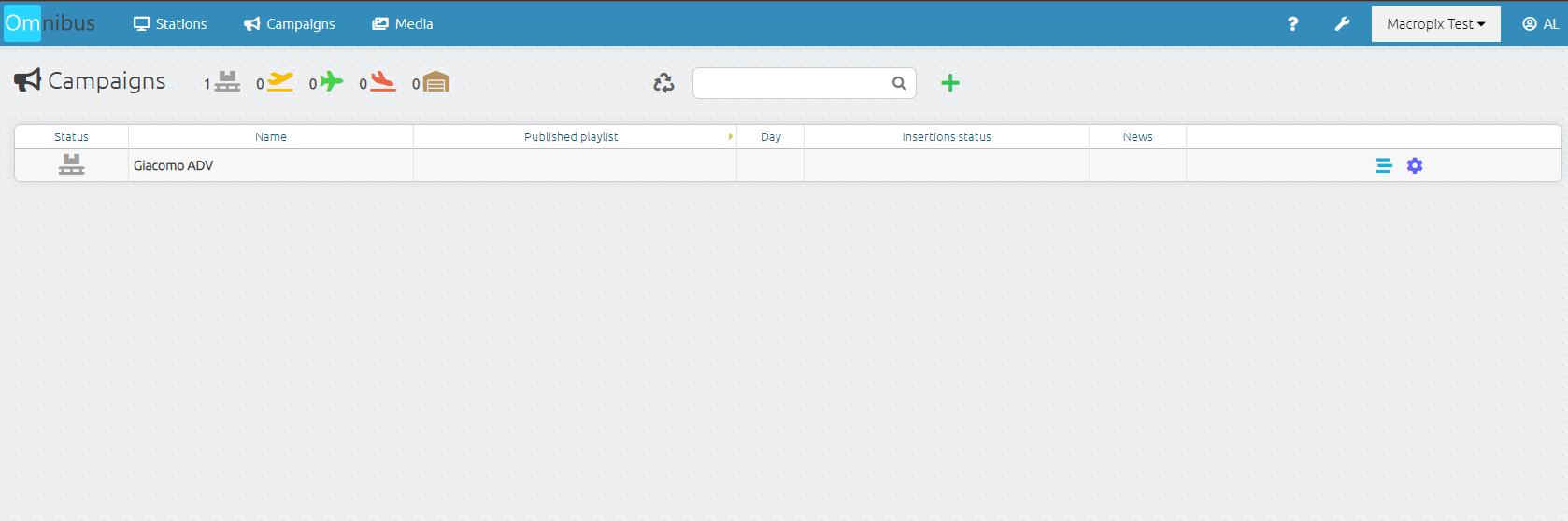
Campaign Creation
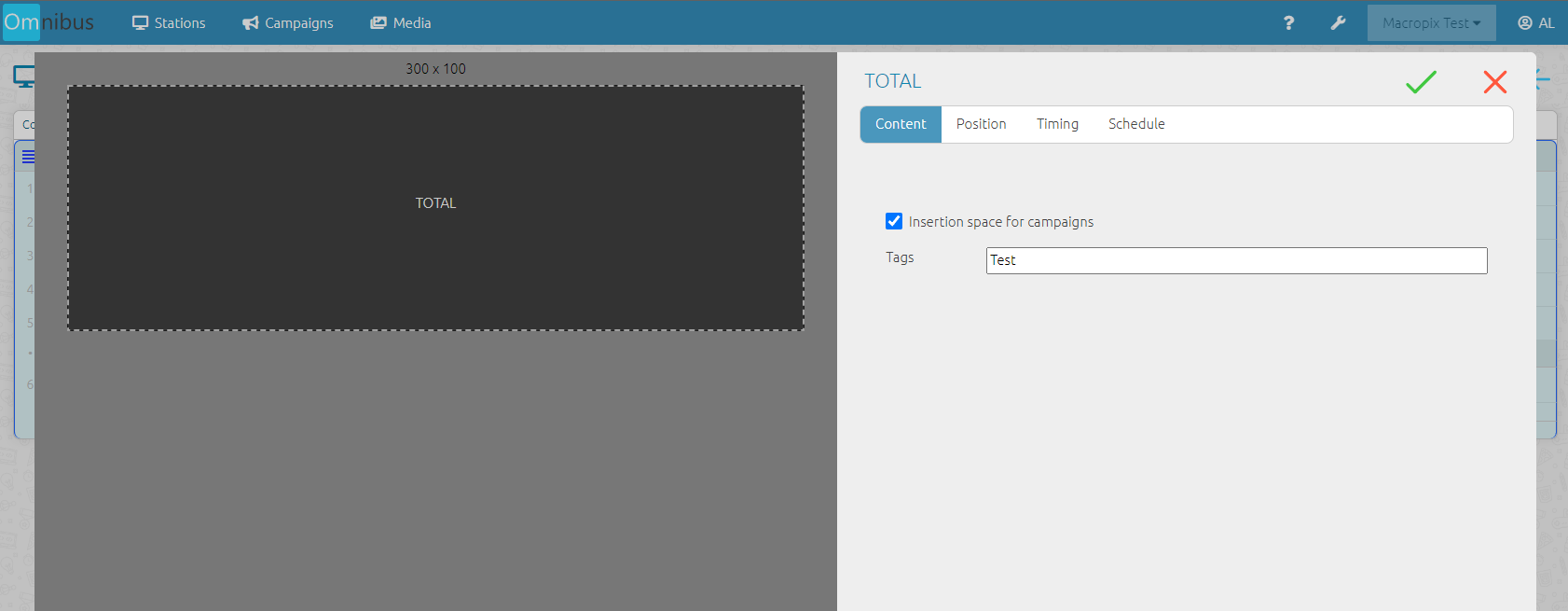
As before, the insertion spaces must be created on each station by enabling the corresponding flag, as shown in the image.
This operation can be performed on both “Total” and “List” elements within the playlist.
Then enter the Campaigns menu, click the “+” button, and assign a name and initials.
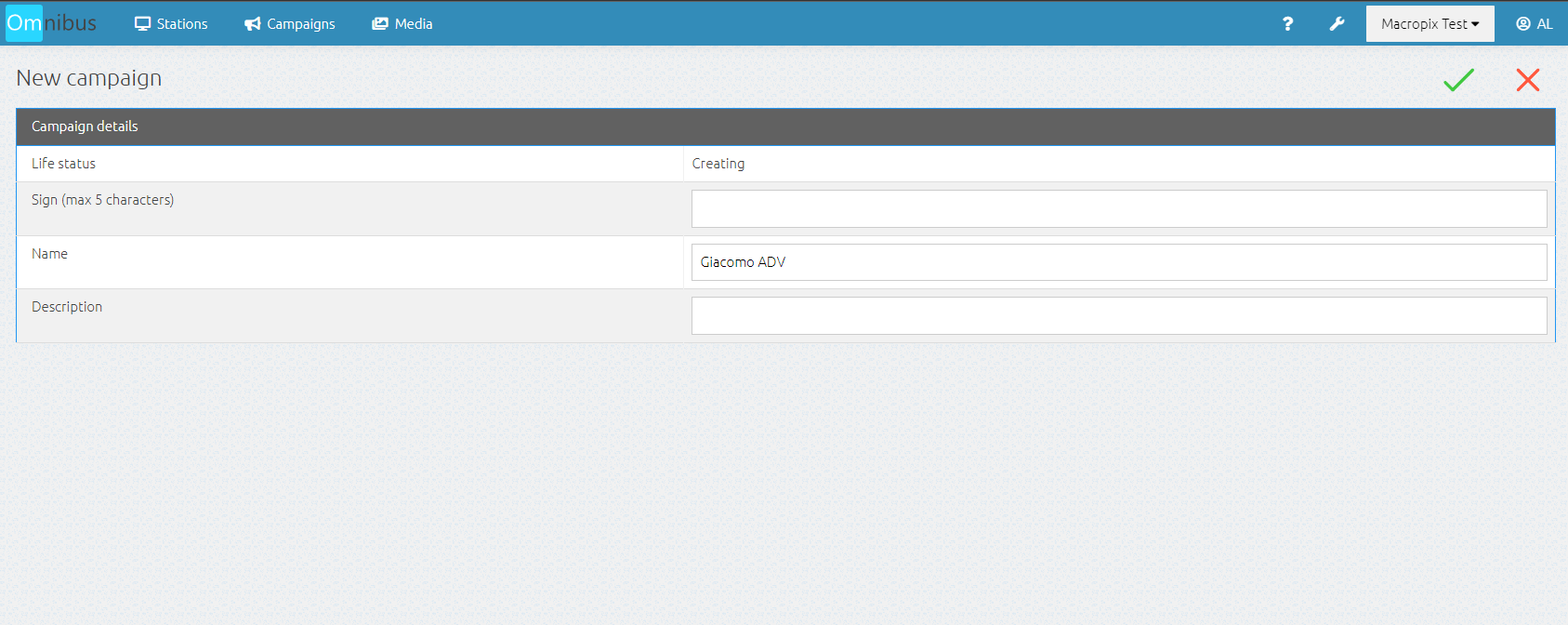
At this point, the campaign has been created and is now ready to be populated with content and published.