# Campaign Creation
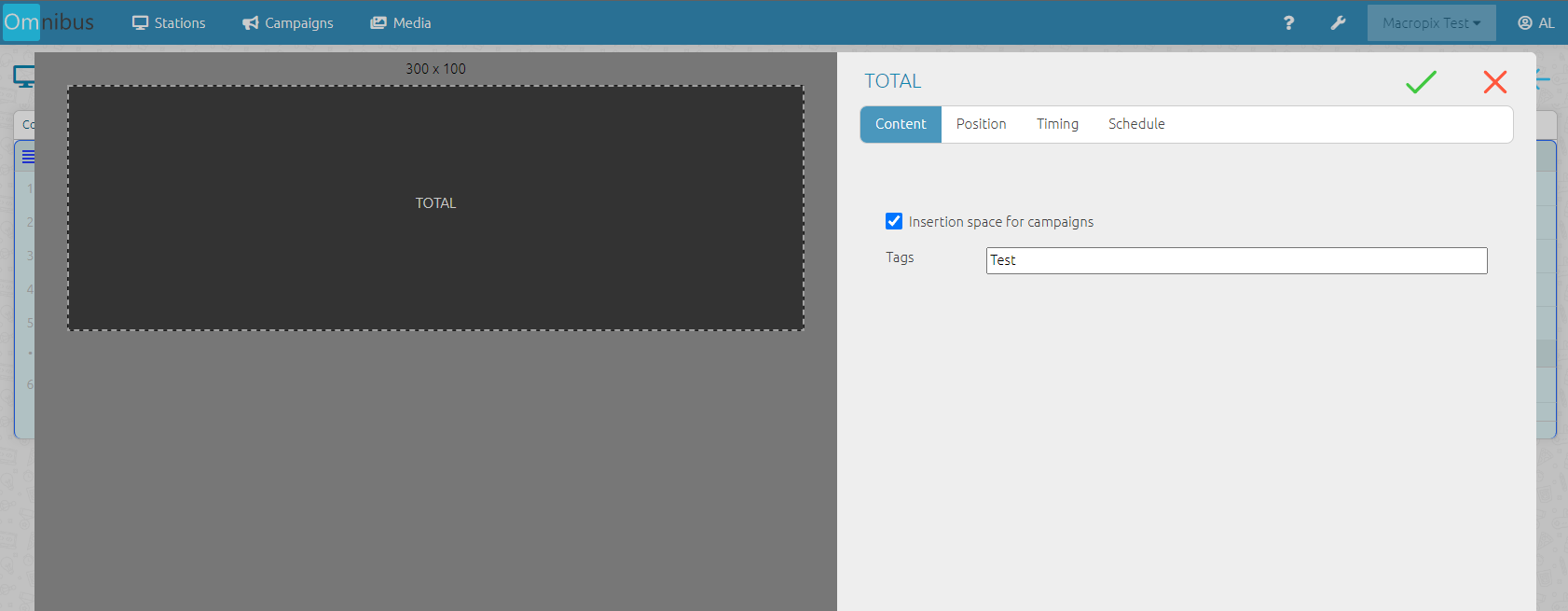
As before, the insertion spaces must be created on each station by enabling the corresponding flag, as shown in the image.
This operation can be performed on both **“Total”** and **“List”** elements within the playlist.
[](https://manuals.macropix.com/uploads/images/gallery/2023-02/9GubF68BMUJZhAlI-1.png)
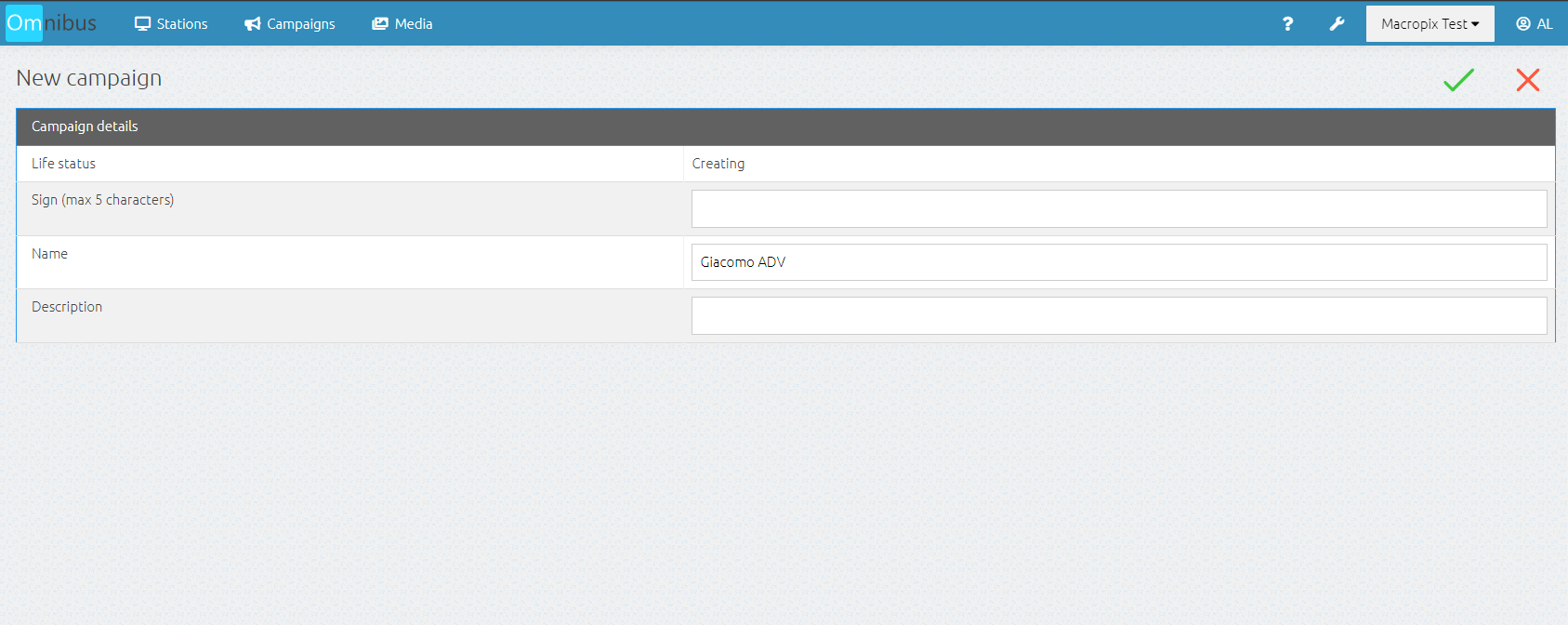
Then enter the **Campaigns** menu, click the **“+”** button, and assign a name and initials.
[](https://manuals.macropix.com/uploads/images/gallery/2023-02/6iT9zNWfhSgElsRS-2.png)
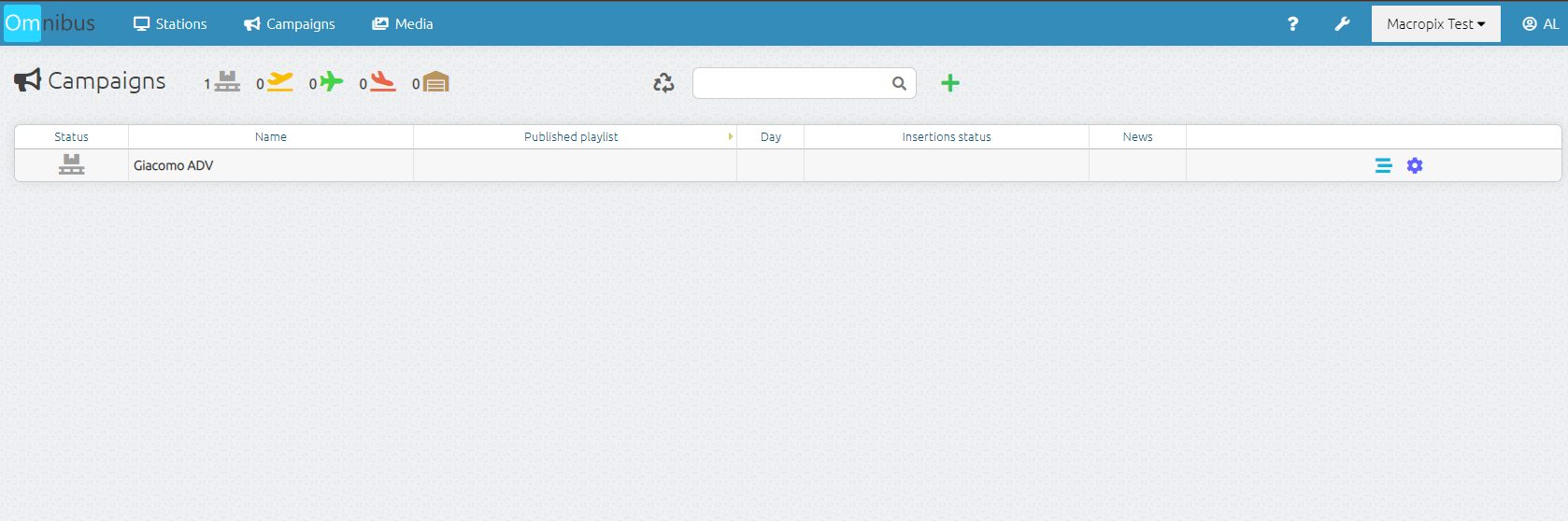
At this point, the campaign has been created and is now ready to be populated with content and published.
[](https://manuals.macropix.com/uploads/images/gallery/2023-02/iUlKlxMAoaJJY9Pr-3.png)