# Campaign verification
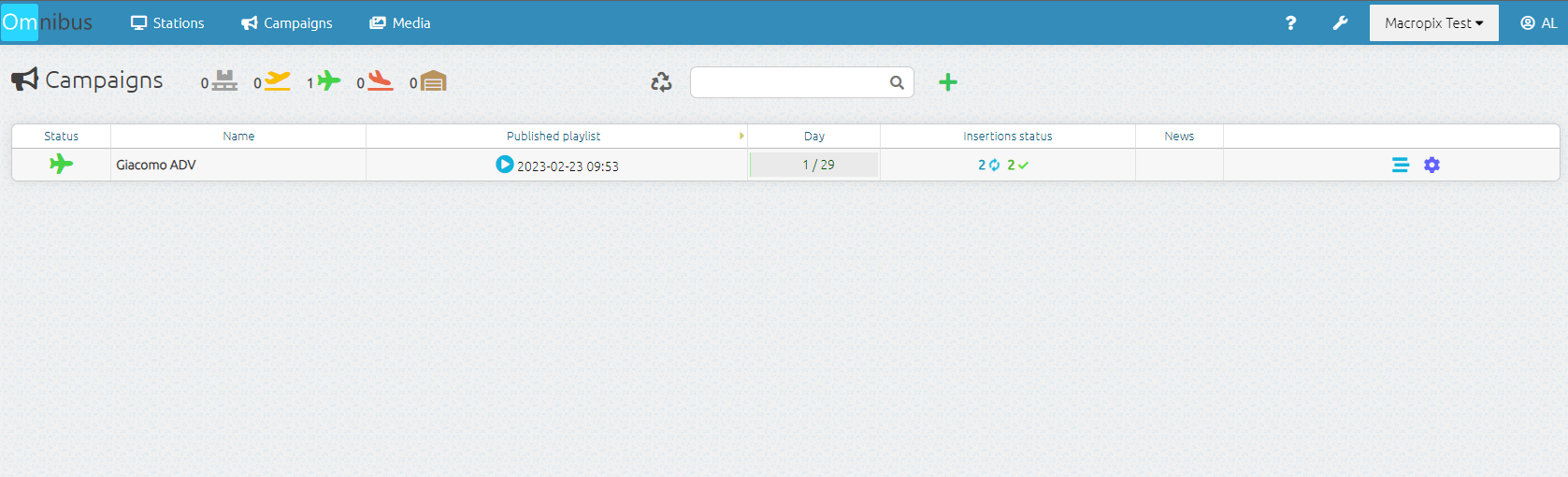
Once the campaign has been published, you can return to the **Campaigns** menu to check the publication progress in the **Insertions Status** column.
[](https://manuals.macropix.com/uploads/images/gallery/2023-02/0jHkrxByAePkVD7W-test.png)
By going to the **Stations** menu, you can verify that the campaign has been correctly distributed, indicated by the pink megaphone icon displayed next to the playlist.
[](https://manuals.macropix.com/uploads/images/gallery/2023-02/UFG5O7seTIwY1XEE-56.png)
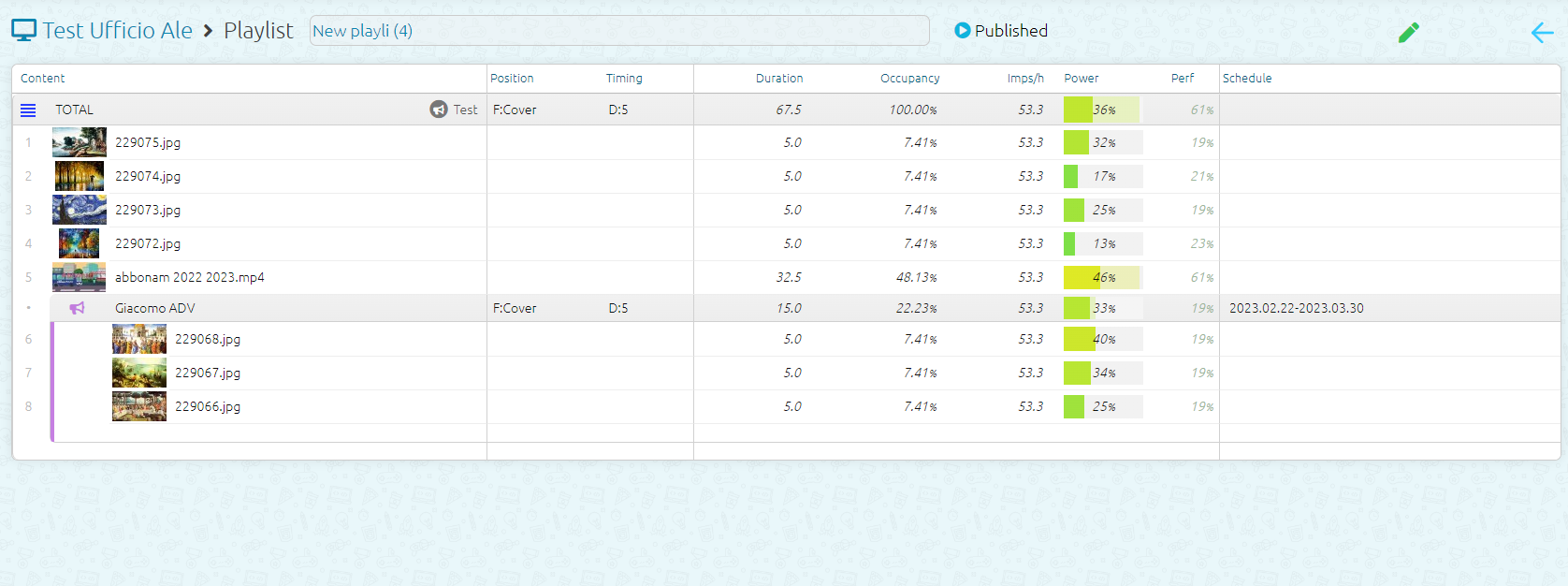
By entering the playlist currently running, you can verify that the campaign has been correctly inserted by the system.
[](https://manuals.macropix.com/uploads/images/gallery/2023-02/jAczkOxq8KPaiFVP-8.png)