Gestione playlist
The generated Rooms will be displayed in the Rooms menu, showing:
-
the status of the Room (open or closed)
-
its name
-
the applied limits
-
the date of the last publication
-
the publication status: published, publishing, or unpublished

By clicking on the Published Playlist column  the guest user can access and populate their playlist.

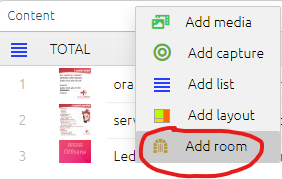
To insert the new Room into the destination playlist, click the “Add Room” button  .
.
As you can see in the image below, the Room playlist is automatically inserted into the station playlist.
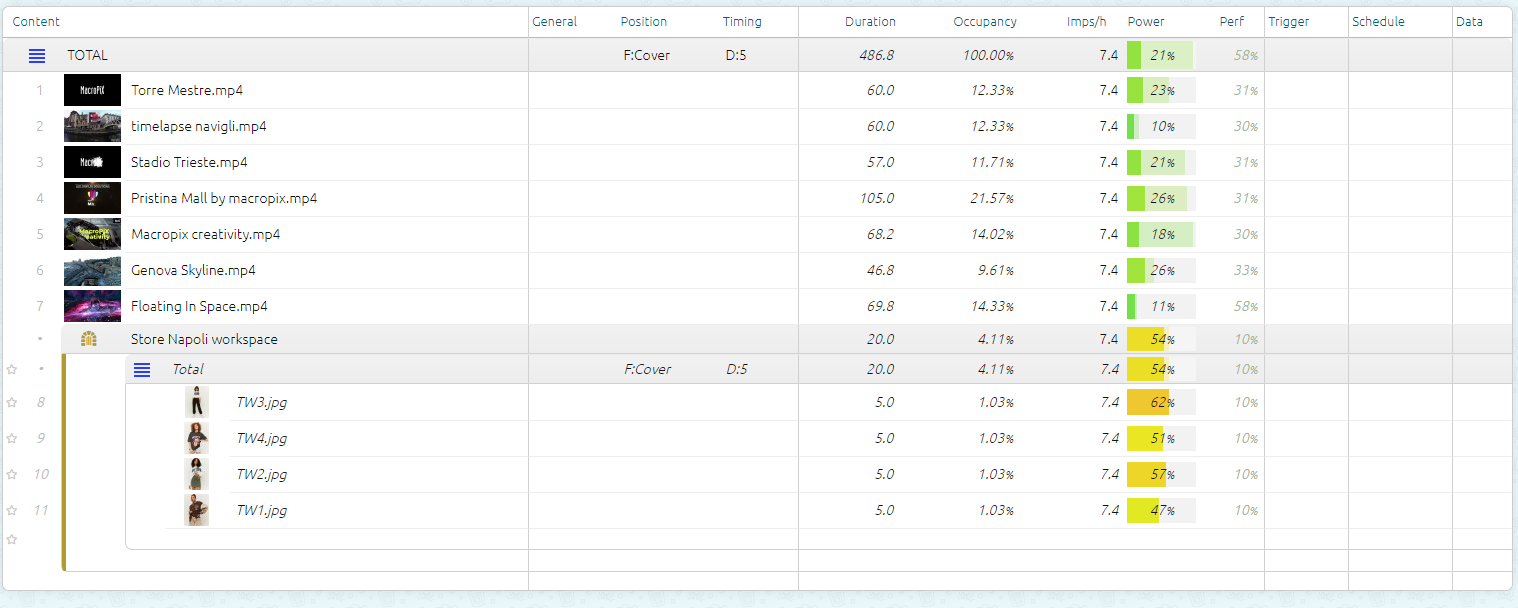
From now on, each time the Room is published, the station’s playlist will be automatically updated.