# Layout
[](https://manuals.macropix.com/uploads/images/gallery/2023-01/LaYQHFszOHciqIrM-layout.png)
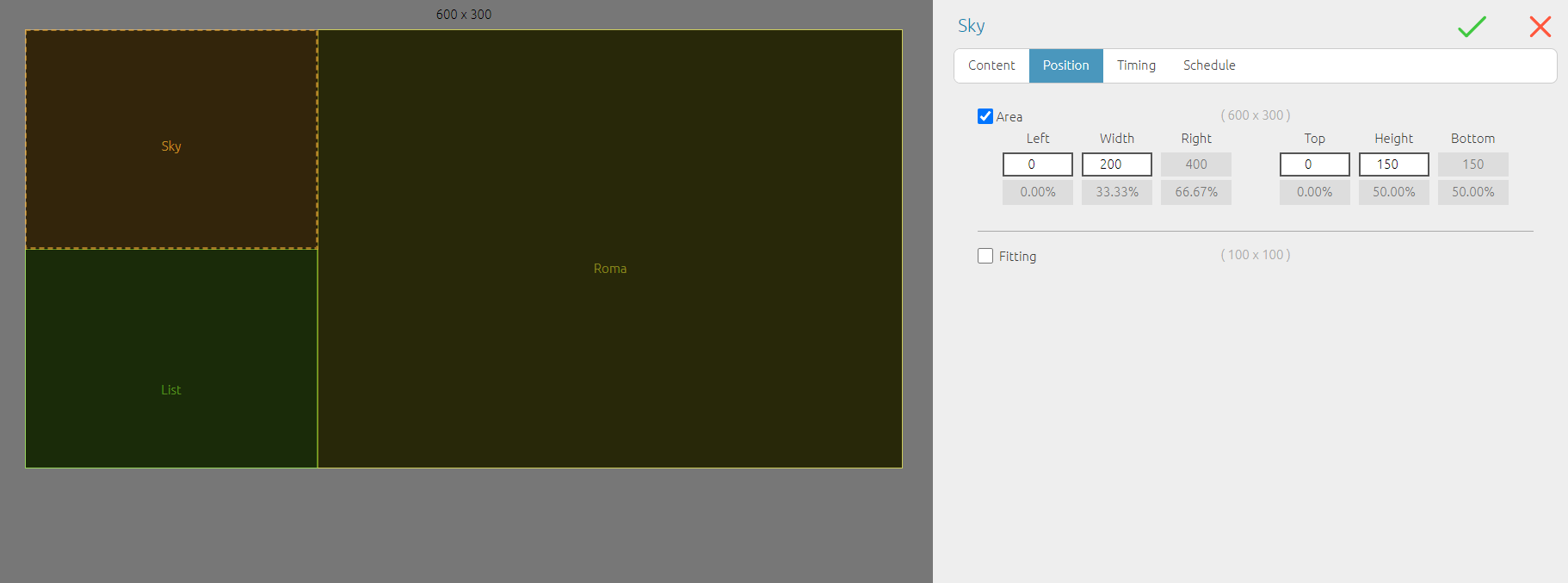
This element allows you to play multiple items in parallel by partitioning the video window.
Once the layout is created, **List** items must be inserted—one for each partition—while assigning the desired area.
Within each list, the corresponding media contents can then be added. All contents will play simultaneously in synchronization.
**Note:** the maximum number of partitions depends on the hardware specifications of the PC. A more powerful processor and graphics card will support a higher number of simultaneous processes.