# Publication
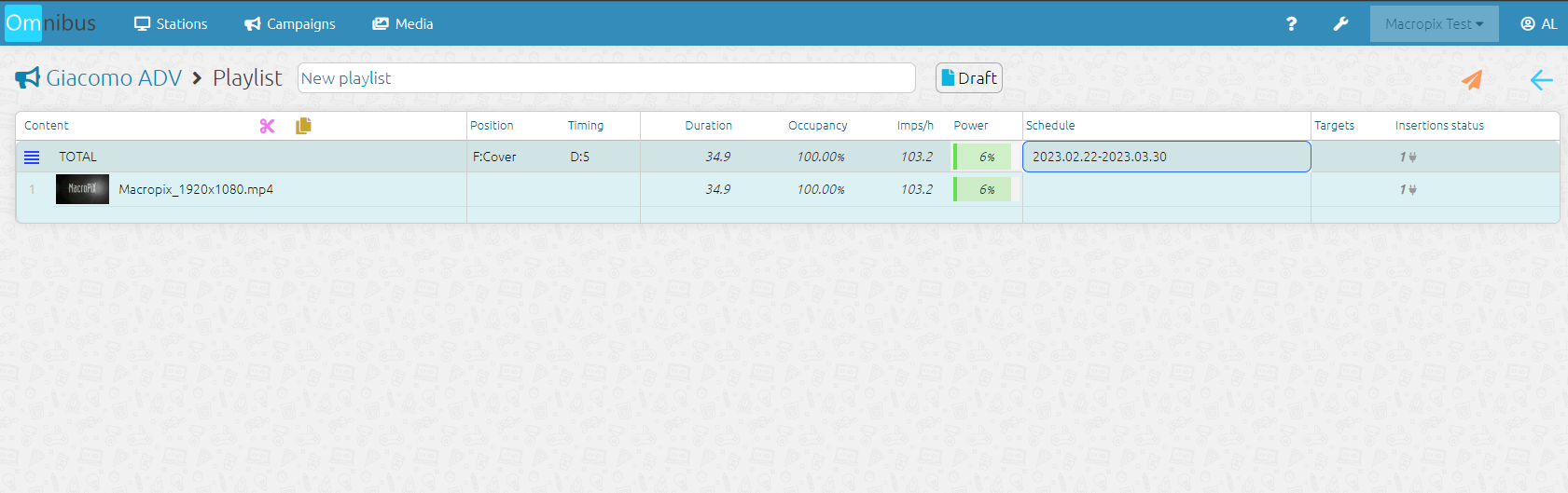
At this point, you need to insert the contents into the campaign playlist.
[](https://manuals.macropix.com/uploads/images/gallery/2023-02/Wd7k1NNgH29kpFOg-4.png)
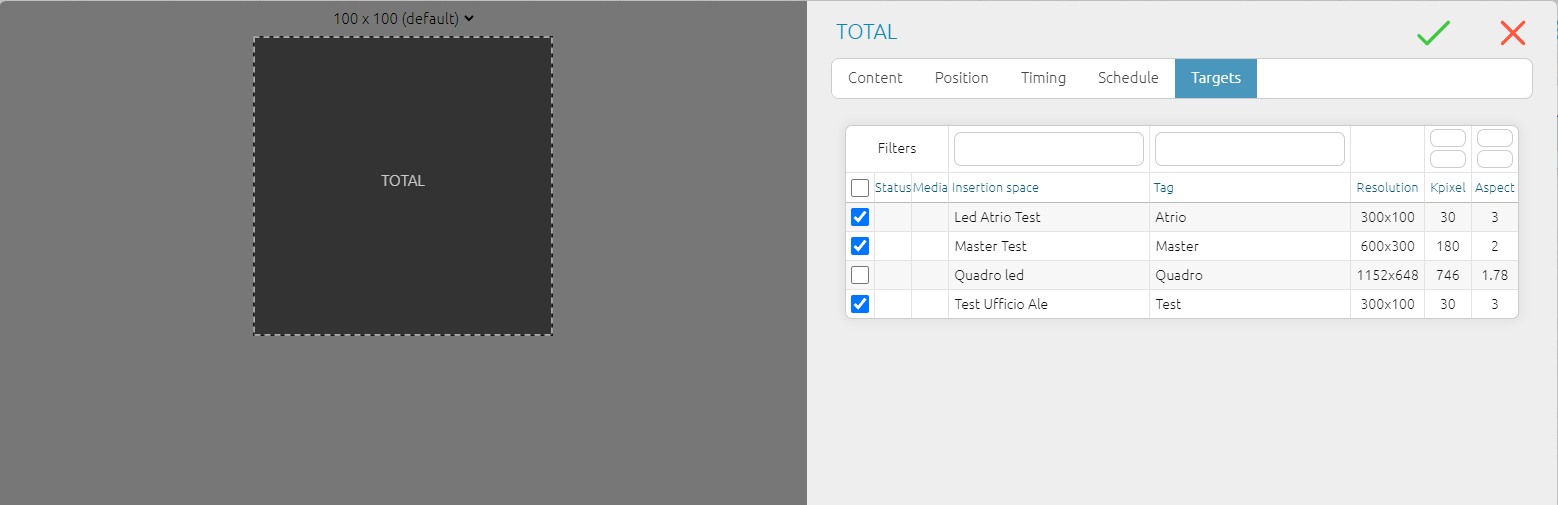
In the **Target** menu, it is possible to select and filter the advertising spaces that will be targeted by the campaign.
[](https://manuals.macropix.com/uploads/images/gallery/2023-02/PDTnQouWiK0cZDuc-wdd.png)
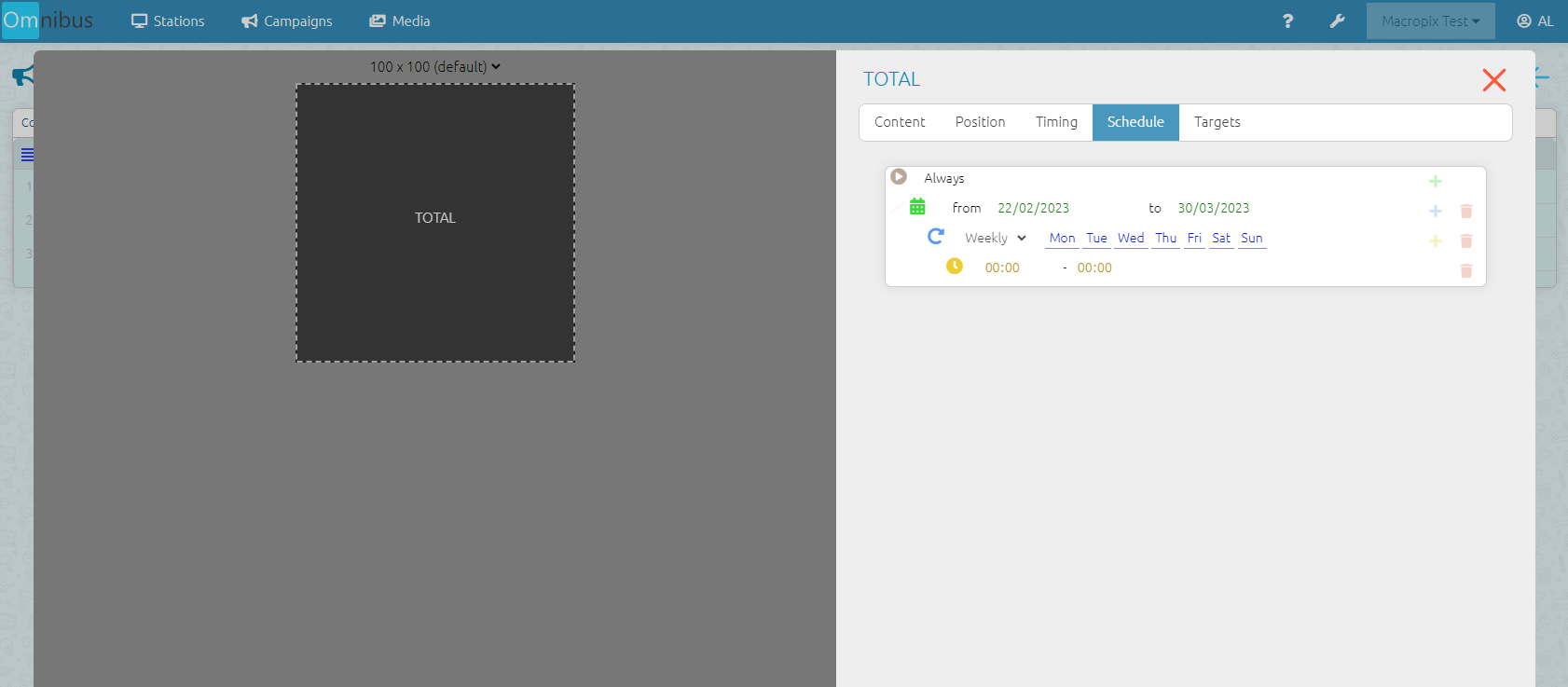
In the **Schedule** menu of the **Total** section, you can set the start and end dates of the campaign.
[](https://manuals.macropix.com/uploads/images/gallery/2023-02/hhPoIDz43NYd1J5f-10.png)
Now all that remains is to publish the campaign by clicking on the [ icon.](https://manuals.macropix.com/uploads/images/gallery/2022-04/image-1649323194074.PNG)