
Schedule

For each media it is possible to set a dedicated schedule, by accessing the menu with a double click on the "scheduling" column of the media. It is also possible to set a general scheduling on "TOTAL".
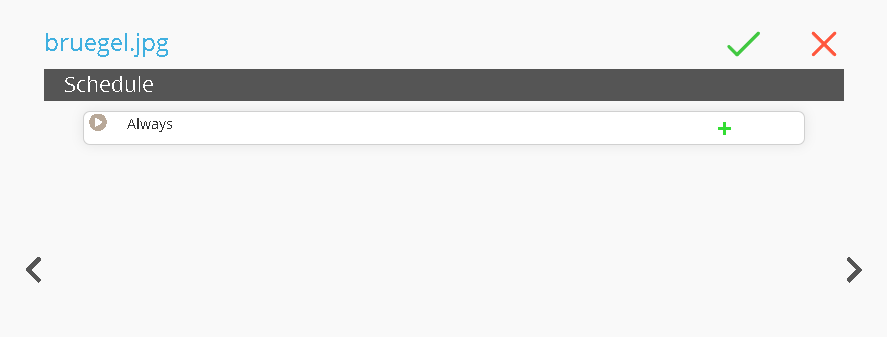
Once the page is open, we will have to click the  buttons to add a sub-level
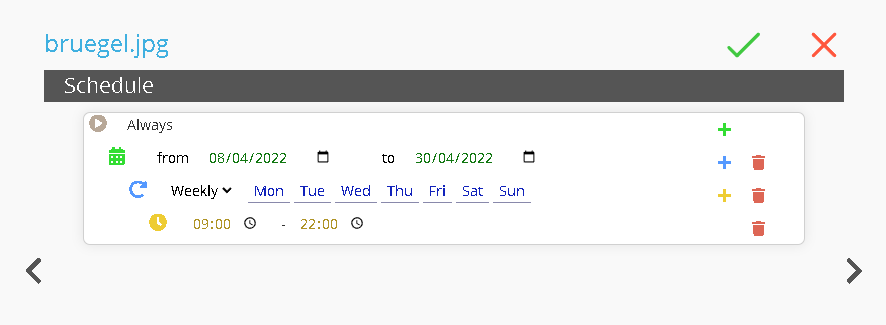
At this point we can set
Date Range: Set the date of start / end.
Recurrency: Set the recurring weekly.
Time Range: Set the time range.
Thanks to this function it is possible to program contents in advance for future events.
For example, program the videos for the opening / closing of a shop, in this case the media "bruegel.jpg" will be played from 8 April 2022 to 30 April 2022, from Monday to Sunday, from 9 am to 10 pm .