
Schedule

For each media item, it is possible to set a dedicated schedule by accessing the menu with a double-click on the Scheduling column of that media.
You can also set a general schedule by selecting TOTAL.
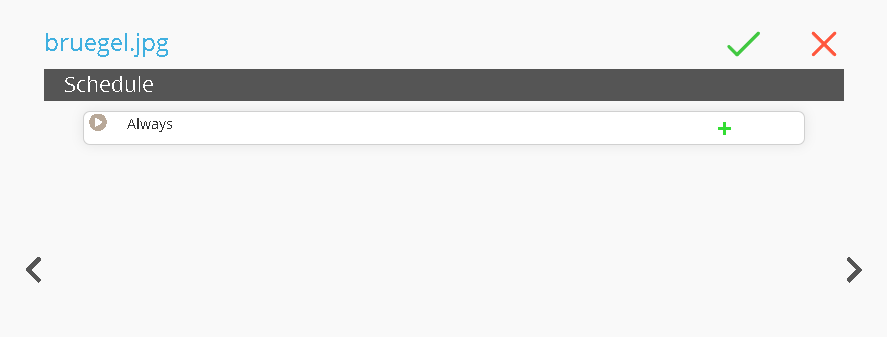
Once the page is open, click  buttons to add a sub-level
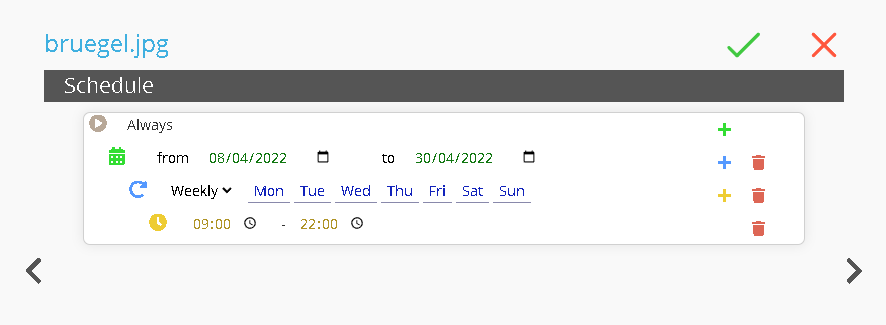
At this point, you can set:
-
Date Range: define the start and end dates.
-
Recurrence: set the weekly recurrence.
-
Time Range: set the daily time range.
This function allows you to schedule content in advance for future events.
For example, you may schedule videos for the opening or closing hours of a shop. In this case, the media file “bruegel.jpg” will be played from 8 April 2022 to 30 April 2022, from Monday to Sunday, between 9:00 AM and 10:00 PM.
No Comments