
Media Upload

To upload one or more pieces of content, simply go to the Media page.
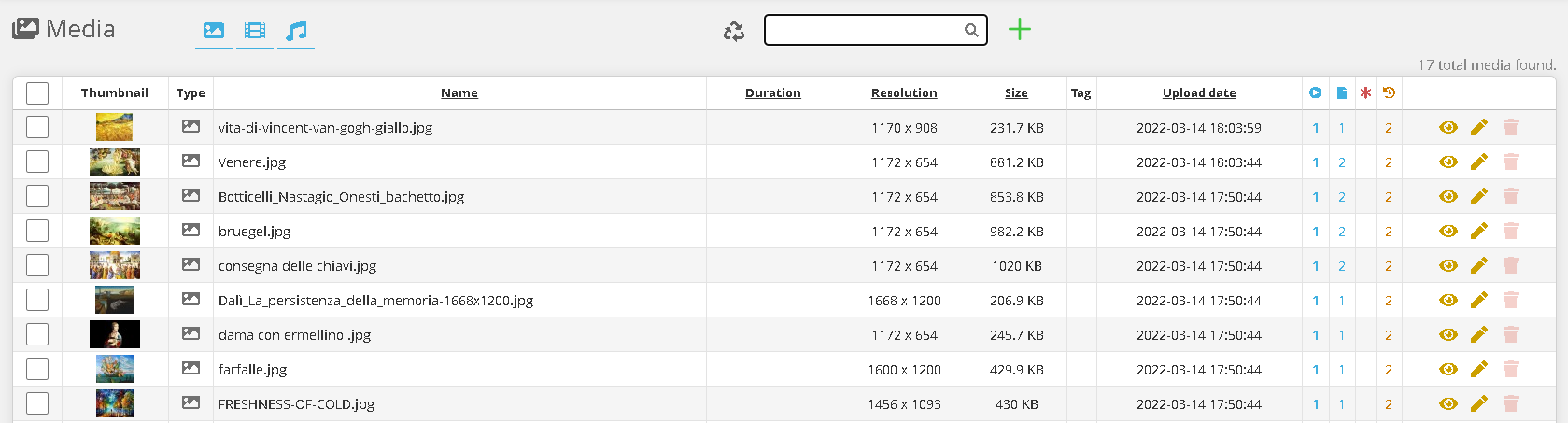
Click on the image 

Then click “Choose File” and select the media you want to upload, and wait for the upload to complete.
The main formats are supported: .mp4, .mov, .jpg, .png, .mp3.

It is also possible to create a web address element, which can then be inserted into the playlist.

You can also create an HTML Code element, which can then be inserted into the playlist.
No Comments