Playlist

By clicking on the playlist icon, you will enter the Playlist page.

On this page, you can create a new playlist using  or edit an existing draft by clicking

Click the “Add Media” button and select the media you want to include in the playlist.
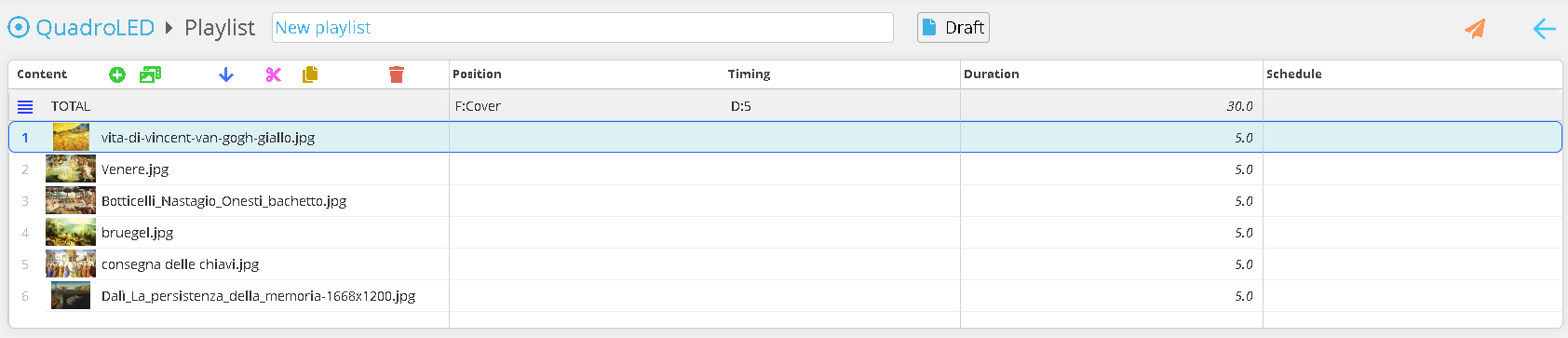
You can now reorder the contents, duplicate them, or delete them. Once all changes have been completed, you can publish the playlist to the station using 
No Comments