
Campaign verification
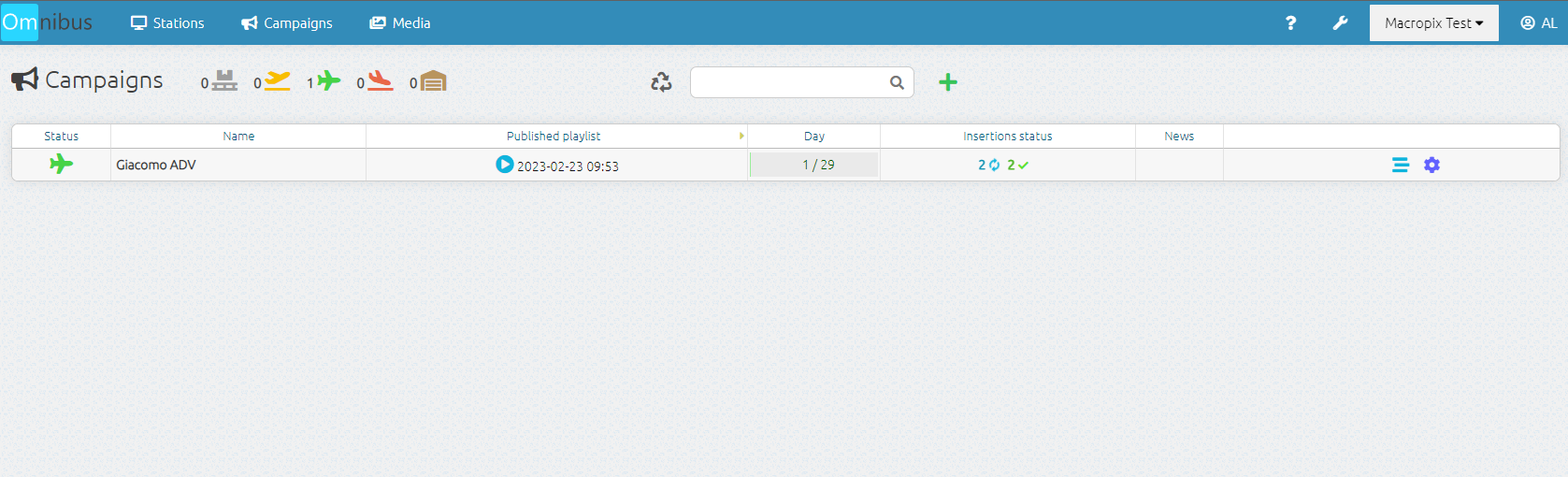
Once the campaign has been published, you can return to the Campaigns menu to check the publication progress in the Insertions Status column.
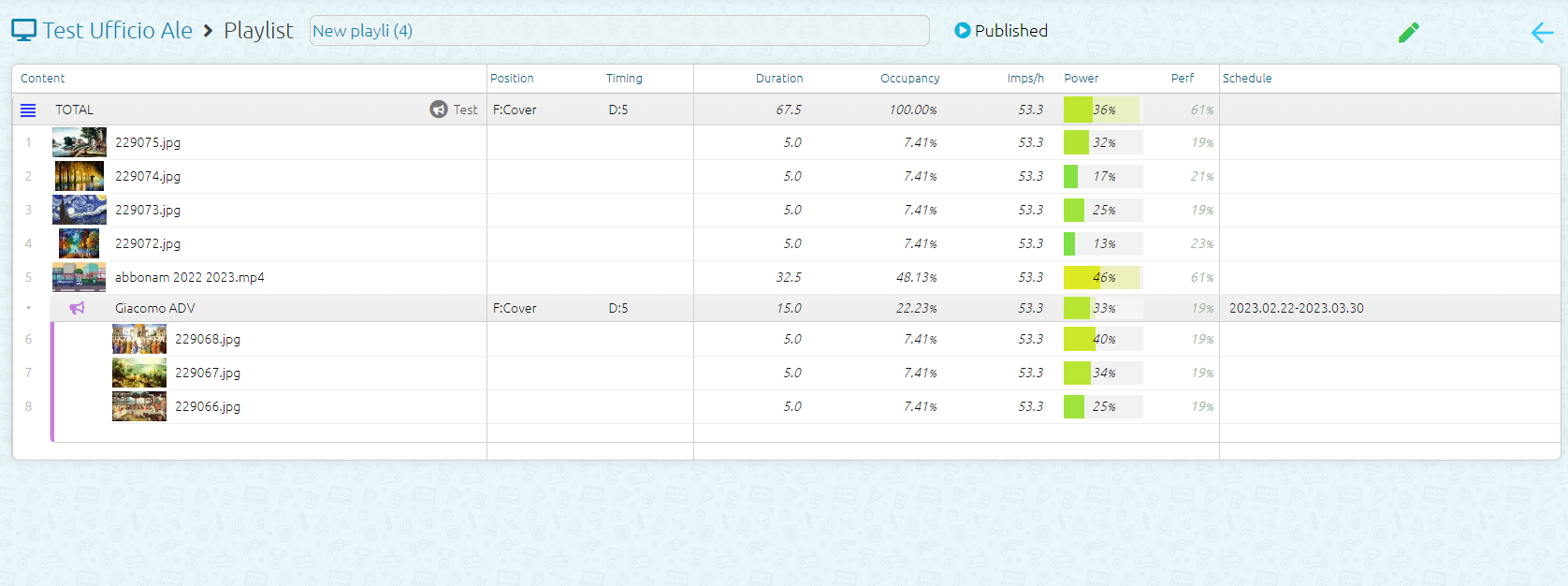
By going to the Stations menu, you can verify that the campaign has been correctly distributed, indicated by the pink megaphone icon displayed next to the playlist.

By entering the playlist currently running, you can verify that the campaign has been correctly inserted by the system.
No Comments